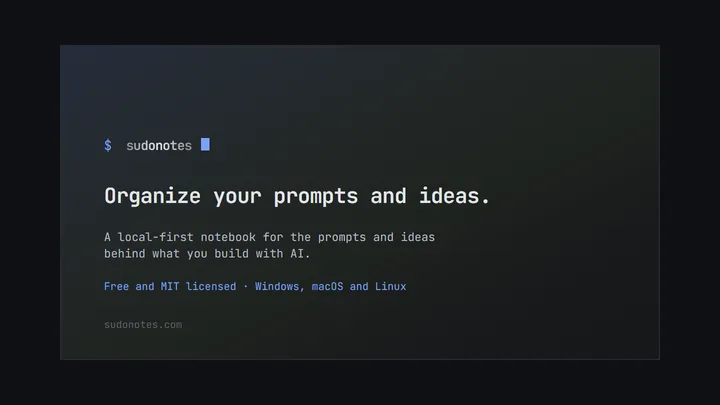
sudonotes
Organize your prompts and ideas.
sudonotes is a local-first Markdown notebook for the LLM prompts you keep rewriting and the ideas behind them, stored as plain files in a folder you own.
LLM prompts scatter — across chat histories, scratch files and half-abandoned Notion pages. They get rewritten from scratch instead of refined. sudonotes keeps prompt drafts, model assignments and the ideas behind them in one local folder of plain Markdown.
Your notes are files in a directory you choose. No account, no sync, no cloud lock-in. The
installer is around 20 MB because Tauri uses your system’s webview instead of shipping a
browser, and search is SQLite FTS5 over every note, reachable with Ctrl+K from anywhere.
Wiki-style [[links]] with backlinks keep a prompt attached to the idea that produced it.
{{placeholders}} turn a prompt into a fill-and-copy template without ever rewriting the note
itself, so the template stays a template. An idea bubble can become a GitHub issue and retire
itself when that issue closes. Link a note to a project folder and it mirrors into that repo’s
IDEAS.md, where both people and local coding agents will find it next to the code.
Backups are automatic, compressed, kept outside the vault, and restore only into an empty folder — so a restore can never quietly overwrite work.
Distributed through the Microsoft Store, winget, the Snap Store, a signed APT repository,
and a standalone installer.
How it compares
Against general local-first notebooks such as Obsidian or Logseq: sudonotes shares the plain files in a folder you own model, and gives up a great deal to stay narrow. Those have far larger plugin ecosystems, mobile apps and years more polish. What you get in exchange is prompt work as a first-class concept rather than something you assemble from plugins — model assignment, fill-and-copy placeholders, and the idea that produced a prompt kept attached to it.
Against cloud tools such as Notion: there is no account, no sync, no collaboration and no web access. That is the trade being made, not an omission.
It is also early — v0.4.0. If you need a mature daily driver for all your notes, use Obsidian and keep sudonotes for the prompt work.
BUILT BY Dario Mory
STATUS Shipped — v0.4.0, early
PRICING Free · MIT
PLATFORM Windows, macOS, Linux
STACK Tauri 2, React 19, Rust, SQLite FTS5
INSTALL winget install sudonotes
WEBSITE sudonotes.com
GITHUB mory-dev/sudonotes
Questions
Is sudonotes free?
Yes, free and MIT licensed. No account, no subscription, no paid tier.
Which platforms does it run on?
Windows, macOS and Linux. It is distributed through the Microsoft Store, winget, the Snap Store, a signed APT repository, and a standalone installer.
Where are my notes stored?
As plain Markdown files in a directory you choose. There is no account, no sync and no cloud storage, so the notes stay readable by any other editor and keep working if you stop using the app.
How large is the install?
Around 20 MB, because Tauri uses your system webview rather than bundling a whole browser with the app.
How does search work?
SQLite FTS5 full-text search across every note, reachable with Ctrl+K from anywhere in the app.
What are placeholders for?
Double-brace placeholders turn a prompt into a fill-and-copy template. You fill the values at copy time, so the note itself stays a clean template instead of being rewritten for each use.
Can it connect to my code or to GitHub?
Yes, two ways. An idea bubble can become a GitHub issue and retire itself when that issue closes. And linking a note to a project folder mirrors it into that repository IDEAS.md, where both people and local coding agents will find it next to the code.
How do backups work?
Automatically, compressed, and stored outside the vault. A restore only ever writes into an empty folder, so it cannot quietly overwrite work in place.